Step 1
Enter your Username & Password provided when you registered

Step 2
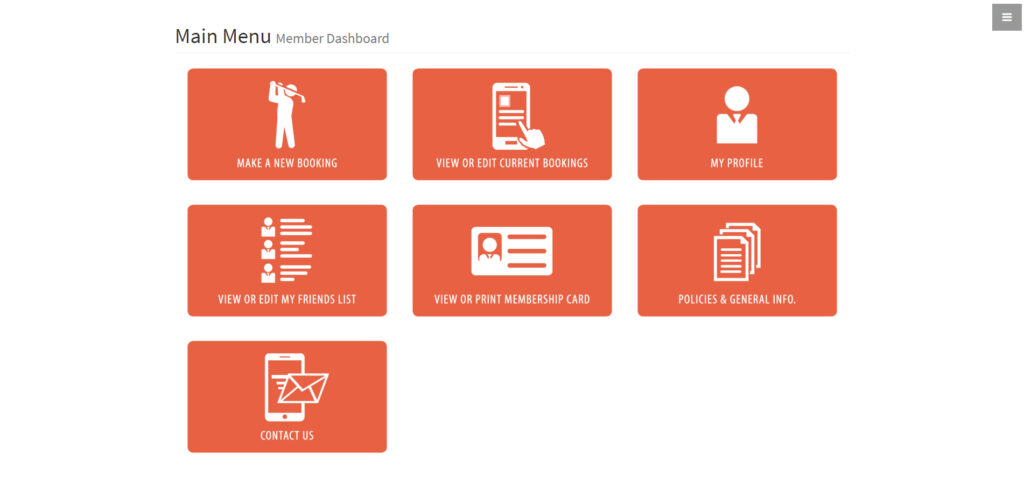
Select the MAKE A NEW BOOKING tile book a Preferred Green Fee.
Step 3
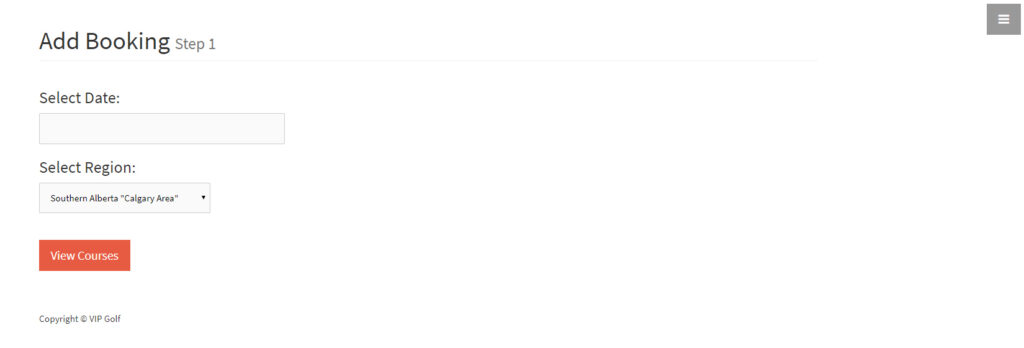
Select the date you want to play & your region.
Step 4
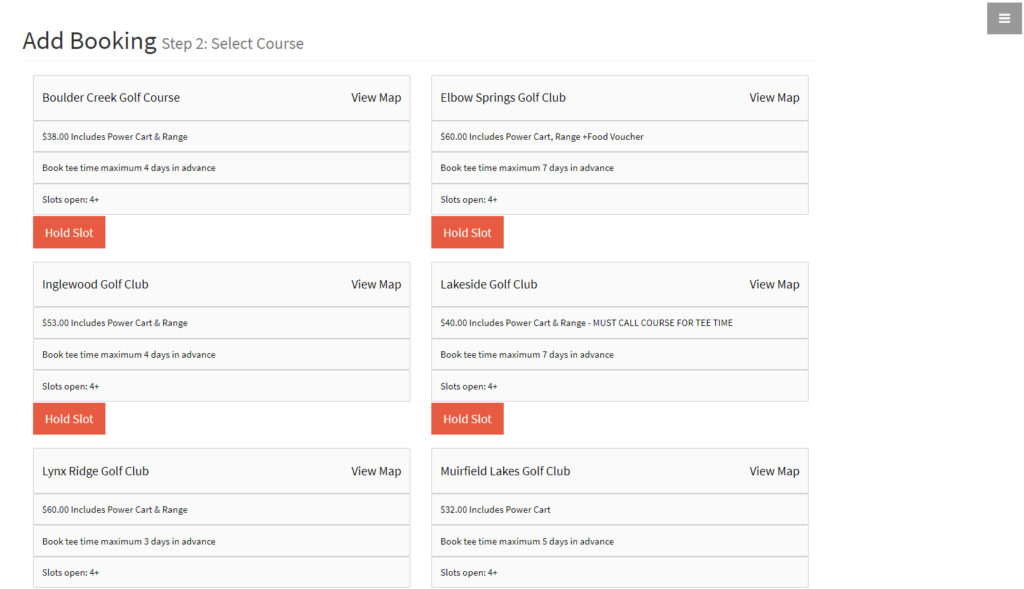
Select the Hold Slot button to book your green fee.
Step 5
You may add up to 3 VIP Golf Members to your booking.
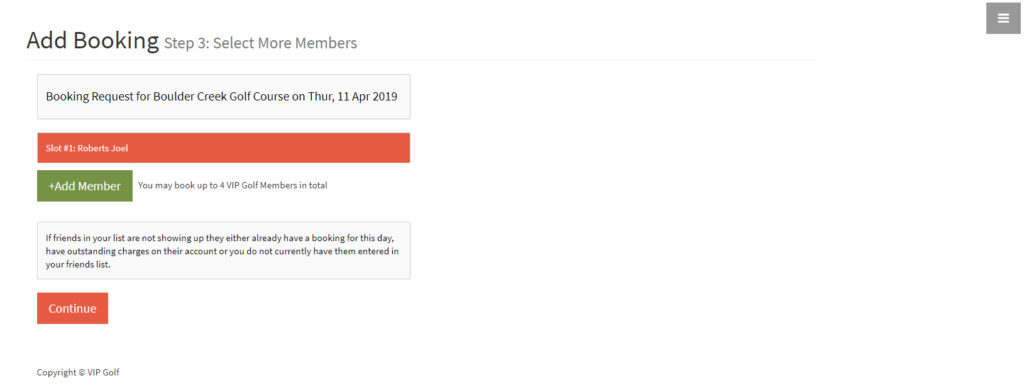
Step 5.1
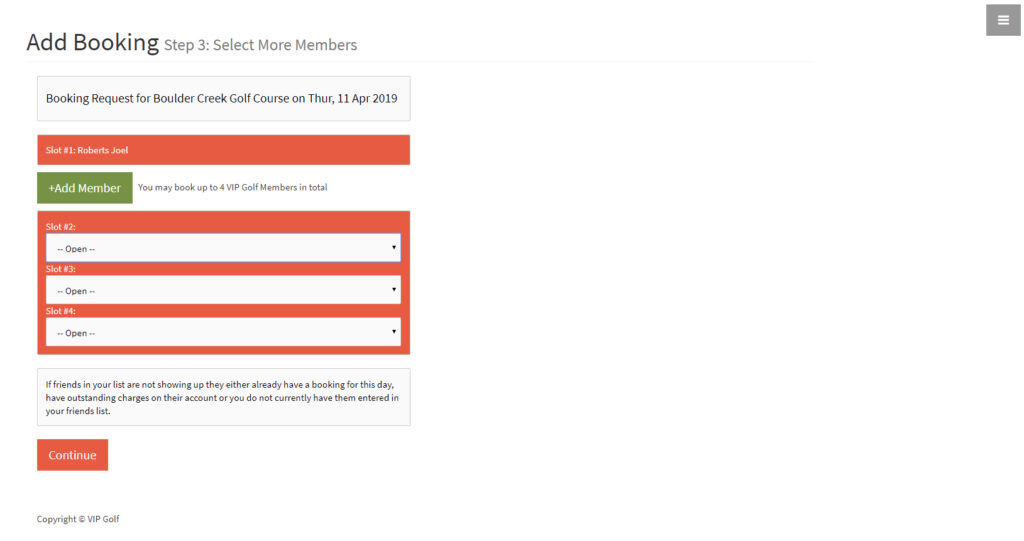
Add additional Members to your booking from the dropdown menus.
Return to Step 1 and select VIEW OR EDIT MY FRIENDS LIST to add Members.
Step 6
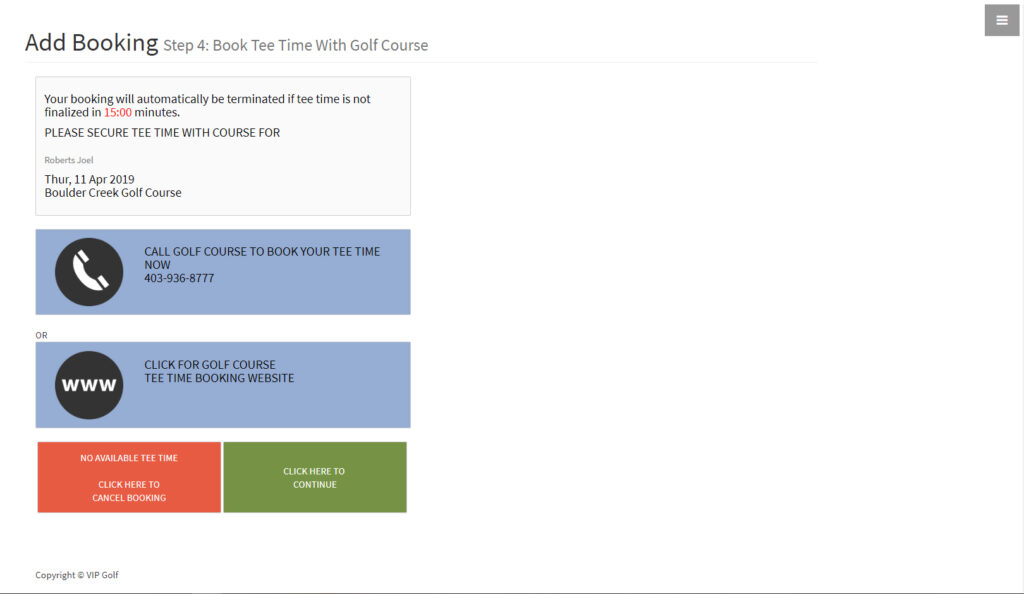
You will be given 15 minutes to book your tee time with the golf course directly using the links provided.
Once tee time is booked, return to this page and CLICK HERE TO CONTINUE.
Step 7
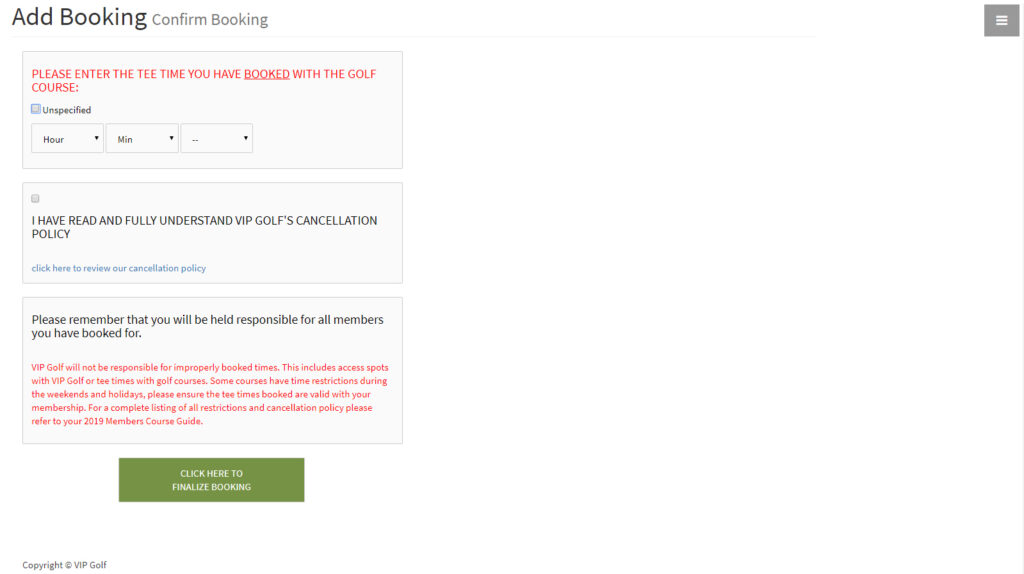
Enter the tee time you booked with the course
(THIS WILL BE FOR YOUR REFERENCE ONLY & WILL NOT BE RELEVANT WHEN CHECKING IN AT THE COURSE).
Review VIP Golf’s Cancellation Policy & CLICK HERE TO FINALIZE BOOKING.